Savings

What your tools cost, and what they'd cost here.

Pick the tools your team actually pays for, the plan you're on and how many people use each one. Only those count. Every price is the vendor's own.

People on your team 10

Pick the tools you pay for.

  • Docs and wiki

    Here: Docs
  • Tasks and projects

    Here: Tasks and projects
  • Databases

    Here: Databases
  • Forms

    Here: Forms
  • Team chat

    Here: Chat
  • Whiteboard

    Here: Whiteboard
  • CRM

    Here: CRM, built from your team's email
  • Shared inbox

    Here: Shared inbox. Works with Gmail and Outlook
  • Email client

    Here: Email, with AI drafting. Works with Gmail and Outlook
  • Text snippets

    Here: Snippets and saved instructions
  • Booking links

    Here: Booking links
  • File storage

    Here: Drive
  • AI assistant

    Here: The assistant. Uses credits
  • Automations

    Here: Routines. Covers the jobs an assistant can run; uses credits

Your bill, and what it would be here.

Example: the usual stack for a team of 10

$16,637a year

Nothing picked yet, so this is one mainstream tool per job with everyone on it. Pick yours to replace it.

Where the money goes

Top 5 66% of the bill

  • Help Scout
    $3,00018%
  • Airtable
    $2,40014%
  • ChatGPT
    $2,40014%
  • Dropbox
    $1,80011%
  • Asana
    $1,3198%

In Amalgament

$0

The usual stack you'd stop paying
$13,997 a year
Moves to pay as you go
$2,640 of AI and automation seats, now credits
Jobs in the example
12 of 14 the other 2 are included too

JobPaid toA month
Docs and wikiNotionPlus, $10 × 10 people$100
Tasks and projectsAsanaStarter, $11 × 10 people$110
DatabasesAirtableTeam, $20 × 10 people$200
FormsJotformBronze, one account$34
Team chatSlackPro, $7 × 10 people$73
WhiteboardMiroStarter, $8 × 10 people$80
CRMHubSpotStarter, $7 × 10 people$70
Shared inboxHelp ScoutStandard, $25 × 10 people$250
Booking linksCalendlyStandard, $10 × 10 people$100
File storageDropboxStandard, $15 × 10 people$150
AI assistantChatGPTBusiness, $20 × 10 people$200
AutomationsZapierProfessional (750 tasks), one account$20
Every month$1,386
In AmalgamentAll of it; AI and automations as credits$0

Prices read on each vendor's own US pricing page on November 4, 2026 or the day after, before tax. One tool counts per job. Several of these vendors have free plans; pick a tool only if you pay for it.

0 picked · you pay $0 a yearHere $0
Tool by tool

What replaces each one.

  • Docs and wikiDocsIncluded
  • Tasks and projectsTasks and projectsIncluded
  • DatabasesDatabasesIncluded
  • TypeformFormsFormsIncluded
  • Team chatChatIncluded
  • WhiteboardWhiteboardIncluded
  • Zoho CRMCRMCRM, built from your team's emailIncluded

  • Shared inboxShared inboxWorks with Gmail and Outlook
  • Email clientEmail, with AI draftingWorks with Gmail and Outlook
  • Text snippetsSnippets and saved instructionsIncluded
  • Acuity SchedulingCal.comBooking linksBooking linksIncluded
  • File storageDriveIncluded
  • Microsoft CopilotAI assistantThe assistantUses credits
  • AutomationsRoutinesCovers the jobs an assistant can run; uses credits
What still costs money

Free, with three honest exceptions.

Credits

AI and scheduled jobs

The assistant and routines cost money to run, so they use prepaid credits your whole team shares. AI stops when the credits run out.

Your provider's price

Your mailbox

Email and calendar connect to Google Workspace or Microsoft 365, so you keep paying Google or Microsoft for the mailbox itself.

Keep them

Accounting, payroll, phones, e-signature

QuickBooks, your payroll provider, your phone system and DocuSign aren't replaced. We can connect them for you.
Pricing

Free tools. Pay only for what costs money to run.

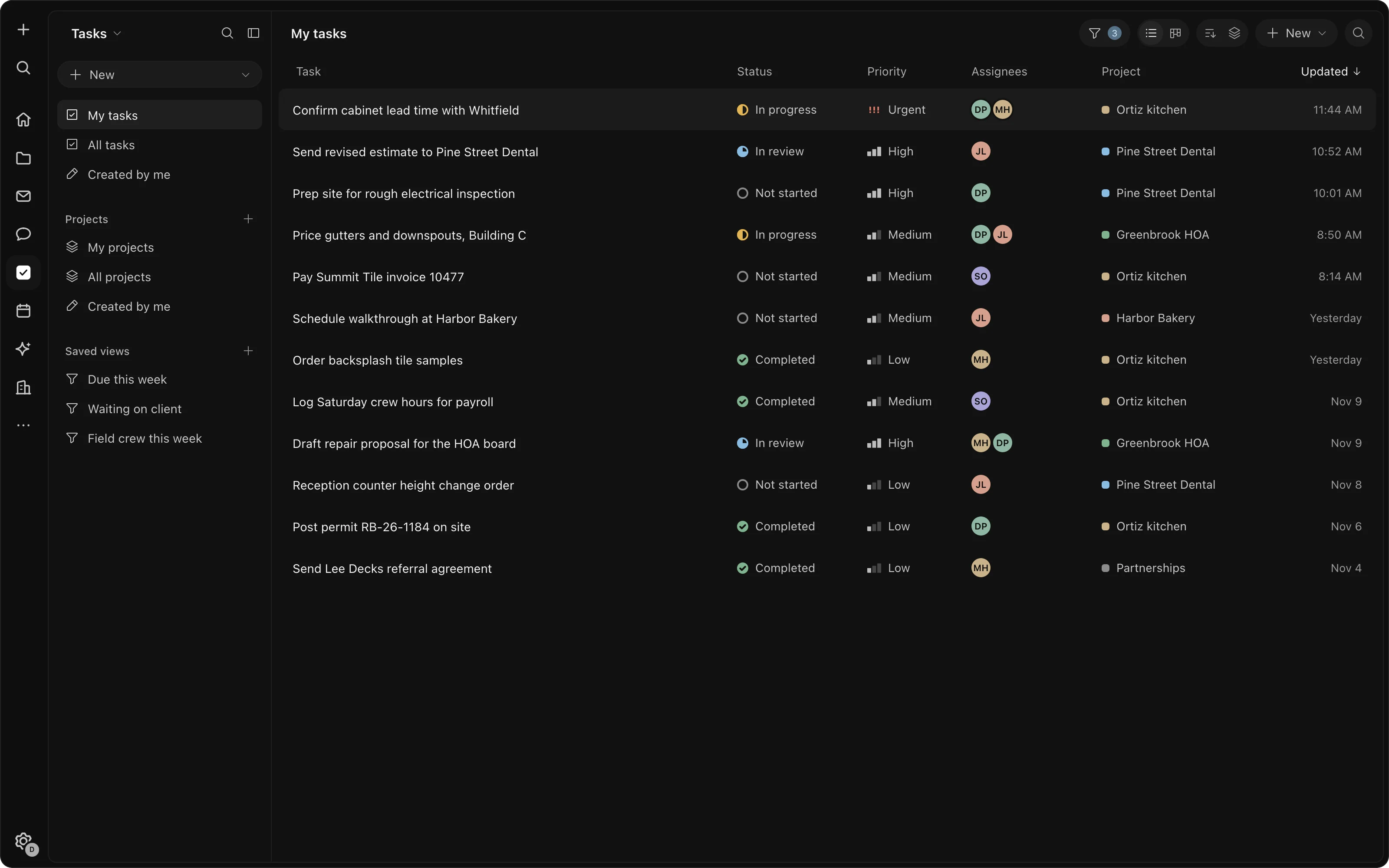
A task list with status, priority, assignees and projects

Every tool on this page, for your whole team, with one sign-in. Docs, chat, tasks, the CRM, email, calendar, drive and the apps you build never use credits.

Used only when the assistant works or a scheduled job runs. Buy them ahead, and top up when you need more. Everything else stays free.

One balance of credits for your whole organization, shared by everyone and every scheduled job. AI stops when the credits run out; the rest of the workspace keeps working.

How we counted

The bill, so you can check it.

  1. 01Every price was read on the vendor's own US pricing page, on November 4, 2026 or the day after, with both monthly and yearly billing where the vendor offers both.
  2. 02Only the tools you pick count, and only one per job, so the same work is never counted twice.
  3. 03Per-person prices are multiplied by the people you say use that tool; per-account prices are counted once. Seat minimums and caps are applied and shown.
  4. 04AI and automation seats aren't counted as savings: they become credits you pay for as you use them.
  5. 05Where a vendor shows a new-customer or limited-time price, the calculator uses it and says so. The usual price would make your bill higher.
  6. 06Several vendors have free plans. If your team is on one, don't pick that tool.

Stop paying for the same work twice.

Every job on this page, free for your team. Credits only for the AI you use.